FIRM360 × juno
Documents in. Data entered.
No typing in between.
FIRM360 IS TRUSTED BY
Built for tax season.
Reads what's already there
Verifies before it lands
Built to act

Simple to run. Firm360 stays the source of truth.
Send
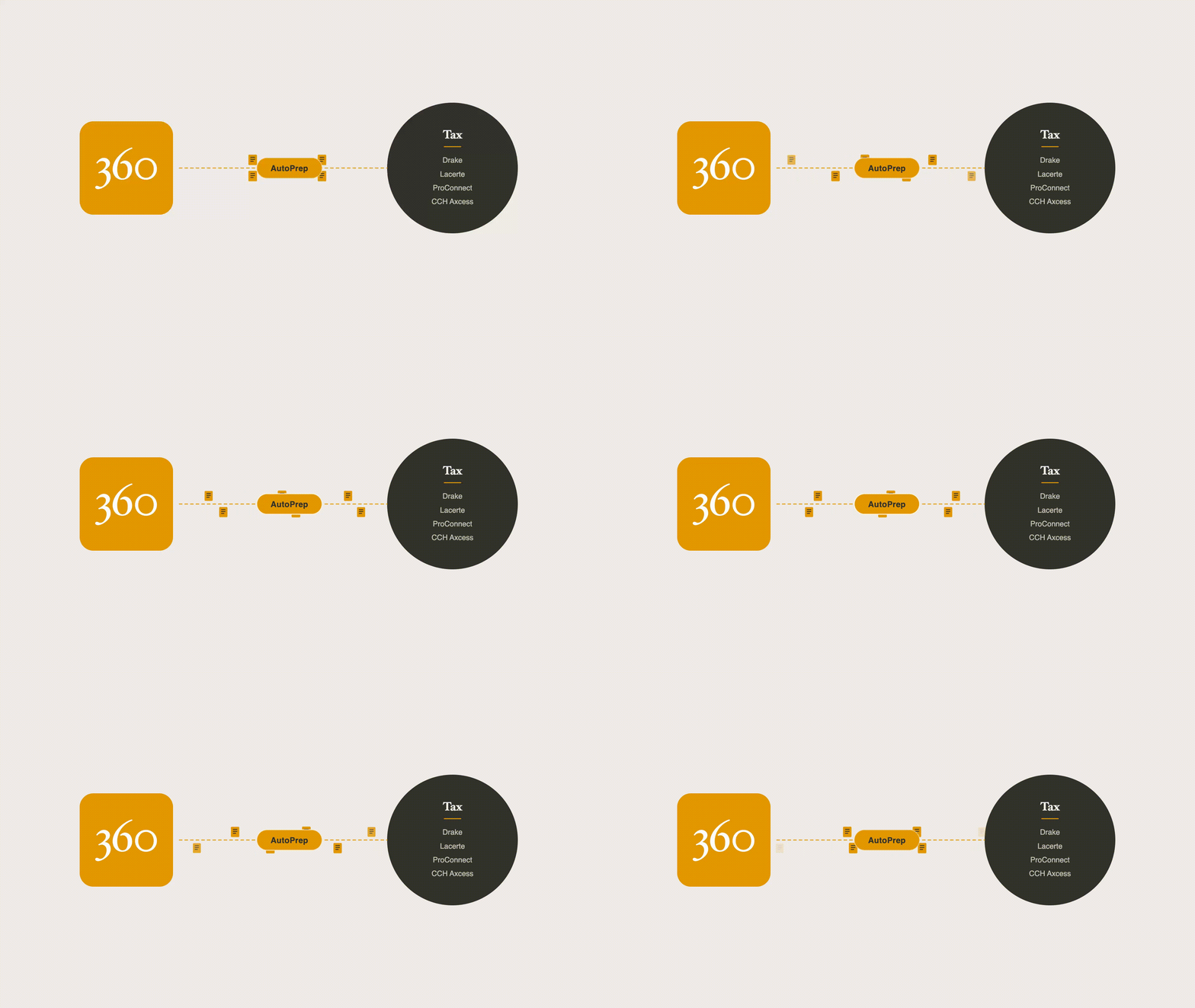
Select documents in your Firm360 document section and send them to Juno in one action.
Extract & Verify
Juno reads the documents, extracts the data, and checks it against the source and against the tax rules the return needs to satisfy.
Review
Verified data flows into Drake, Lacerte, ProConnect, CCH Axcess and more, alongside a review-ready workpaper. Your preparers start at review, not a blank input screen.

Your documents never leave Firm360 without your say-so.
Nothing moves until you send it. Firm360 stays the system of record; Juno only ever processes what you choose to hand it, then hands verified data back for review, it doesn’t replace your source of truth.
“
From day one, our north star has been one system: firm management, tax, and accounting work all in the same place. AutoPrep extends that to the most tedious seam in the whole workflow, the gap between collected documents and a started return.”

Brandon Gray
Accounting Firm Owner and Founder of Firm360
Less chasing. More preparing.

See AutoPrep in Action
The questions we hear most
What is AutoPrep?
AutoPrep closes the gap between practice management and tax software. Firms select documents in their Firm360 document section, individually or in bulk, and send them to Juno in one action. Juno extracts data across more than 100 document types, including W-2s, 1099s, K-1s, Schedules C and E, balance sheets, and P&Ls. It then builds a review-ready workpaper, flags source-to-return mismatches, and pushes verified data into Drake, Lacerte, ProConnect, CCH Axcess, UltraTax, and other major tax software. When a prior-year return is on file, Juno also builds a document checklist so teams know what’s still outstanding before a return goes out.
What tax software does it work with?
Drake, Lacerte, ProConnect, CCH Axcess, UltraTax, and more.
How accurate is the extracted data?
Juno automates roughly 95% of tax prep data entry. It checks its own output against the source document and against the tax rules the return has to satisfy, flagging any mismatch for your team to review rather than pushing through a guess.
Does our client data leave Firm360?
Firm360 remains your source of truth. Documents only move to Juno when you send them, and the return flows back into your tax software, not into a separate system your team has to manage.
What can't it do yet?
AutoPrep is built for the document types and tax software listed above. If a document or workflow falls outside that scope, your team will know rather than getting a silent guess.
What do I need to use AutoPrep?
A Firm360 Premium plan and an active Juno account. Juno bills usage-based, per return, on its own bundle pricing separate from your Firm360 subscription.
When can I get access?
AutoPrep is coming soon. Join the waitlist, and we’ll reach out as early access opens.